
Ghost Soldier Controls
Cover, camouflage, drone, and Sync Shot binds that actually match how Hunter fights.
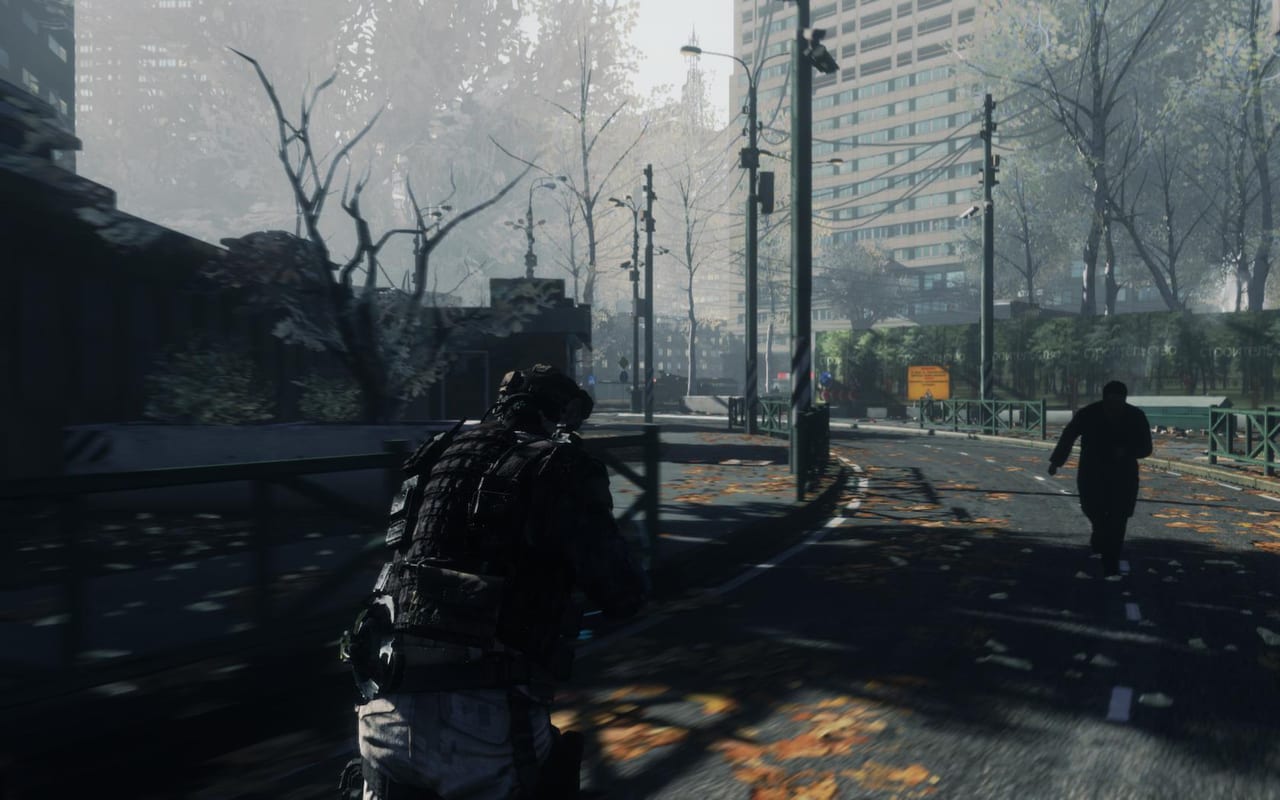
Future Soldier’s default PC layout is serviceable and slightly dated. You can finish the campaign on it. You will finish cleaner if you treat optical camo, the UAV, sensors, and cover swap as first-class buttons instead of leftover gadget keys. This page lists the actions that matter, the default PC and gamepad mapping most players meet, and the rebinds that stop Elite runs from dying on a missed cloak. Pair it with the beginner guide and optical camouflage.
Console copies on PlayStation 3 and Xbox 360 use face-button cover and shoulder gadgets. PC players should open the in-game keybind screen after the first boot because Steam Big Picture and Ubisoft overlays sometimes steal F-keys.
Movement, cover, and stance
WASD moves. Mouse aims. Sprint is Left Shift. Crouch is typically C; prone is Left Ctrl or Z depending on the preset. Walk or toggle walk if you have it — sprinting is the fastest way to drop camo and print a silhouette for a sniper you have not tagged yet.
Cover is the identity of the gunplay. Approach a wall or crate and hold the cover bind (Space on many PC presets, A/Cross on gamepad) to snap to it. From cover you can peek, blind-fire, and swap to an adjacent piece without standing. Vaulting a waist-high obstacle uses the same cover/context key. If you rebind jump elsewhere, do not steal the cover key; this is not a parkour game.
Lean, if mapped, is for tight door frames and Sync Shot balconies. If your mouse has side buttons, put lean there so Q and E stay free for camo and drone. If you only have a two-button mouse, keep lean on the default and accept that gadget keys will fight it.
Reload is R. Always reload behind geometry. Swap weapons with 1/2 or the mouse wheel. Melee is a last resort in this game; it exists, it is not a stealth takedown language like Splinter Cell. If you want silent kills, use a suppressor and a headshot, not a punch.
Gadgets: camo, drone, sensor, grenade
Optical camouflage is the cloak. Default PC bind is often Q. Tap to engage when you are crouched or in shadow; sprinting, firing, and some vaults cancel it. Do not hold the key like a sprint modifier unless you have rebound it that way. The optical camouflage page explains the visibility rules; this page only cares that you can hit the bind without looking down.
The UAV drone is often E. Deploy, then fly it with the same move keys. Mark enemies from above, then recall before a gunner notices the buzzing. If you leave the drone hanging, you are playing the campaign as a three-man squad.
Sensor grenades paint rooms through walls. They are usually T or a gadget cycle. Throw into a courtyard before you commit a Sync Shot. Frag grenades and other lethals sit on G or a bumper. Use lethals when stealth is already broken, not as the opening move of Subtle Arrow.
Sync Shot is the four-operator volley. You mark targets (look, tag, assign). Teammates hold until you fire or confirm. On a gamepad this is usually a bumper-plus-trigger or a dedicated mark button. On PC, make sure the mark/tag bind is not the same as melee. A missed mark is a missed silent clear.
Combat, Gunsmith, and menus
ADS is right mouse or left trigger. Future Soldier’s gunsmithed rifles have different ADS speeds depending on optic and barrel; a huge 8x on an MK14 is not the same draw as a red dot on a Vector. Practice one optic family so your mouse travel matches. The Gunsmith page lists which parts change handling.
Use / interact is F or the bottom face button. You will use it on intel, doors, and Paez. Map or intel overlay is Tab. Pause is Escape. If Ubisoft Connect steals Shift-F2 or similar, rebind overlays so they do not fire a gadget.
Controller players on PC should enable vibration if they use it for suppression feedback, then lower look sensitivity until a 180 does not overshoot a Sync Shot diamond. Invert Y if that is how you play flight games; do not invert X. Deadzones on old Xbox 360 pads may need a bump so camo does not flicker from stick noise.
Recommended PC rebinds
Put optical camo on a mouse side button if you have one. Cloak is a panic and a peek; it deserves a thumb. Put drone on E or Q, whichever is not camo. Put sensor on T and leave grenades on G. Keep Space as cover. Move melee off anything you might tap while tagging.
If you come from modern tactical shooters, resist the urge to bind a slide or a tactical sprint. Those verbs do not exist here. The verbs are: cloak, mark, swap cover, drone, reload in cover.
Print this list next to the loadout planner for Guerrilla nights. New teammates who only know the campaign will still miss drone recall until you say the bind out loud.
After binds feel boring — that is the goal — return to the campaign walkthrough and play Subtle Arrow without looking at the keyboard. If a mission still feels clumsy, the problem is usually camo timing or mark order, not WASD.
Frequently Asked Questions
Quick answers to the most common Ghost Soldier questions.
What is the most important bind to rebind?
Optical camouflage. Put it on a mouse thumb button if you can, then drone and sensor on keys you can hit while ADS.
Does cover use the jump key?
On many PC presets cover shares Space with vault. Do not steal Space for a jump-only bind or you will stand up into fire.
Where do I change controller binds?
In the in-game options on PC, PS3, and Xbox 360. Steam Input can add extra layers; keep one source of truth.
What page teaches the gadgets these binds fire?
The optical camouflage and gadgets guide. This page is the keyboard; that page is the rules.